How to give teammates the right access to budgets, plans and debts
The BudgetRank Team · · Updated · 1 min read
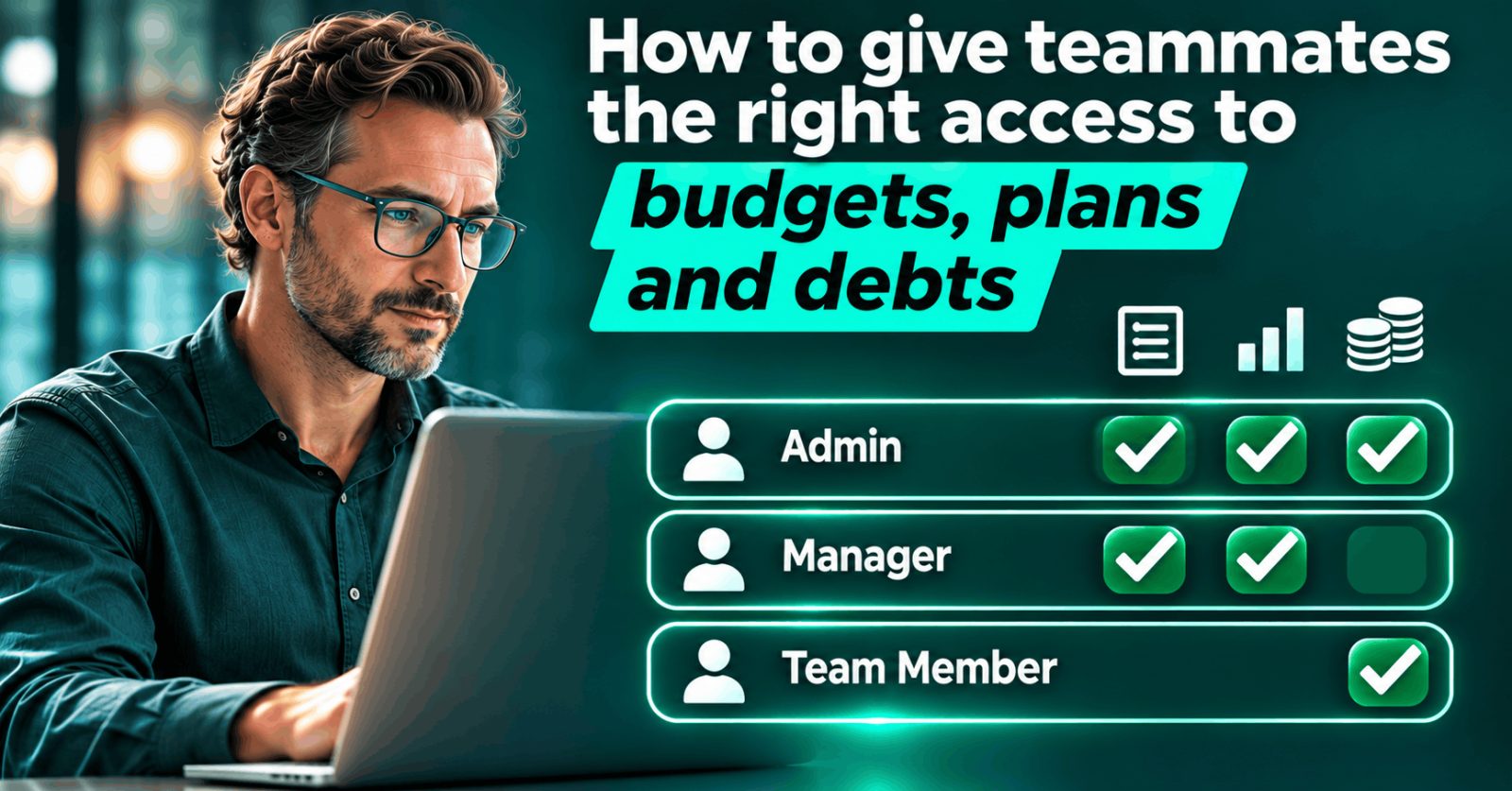
Giving everyone full access is easy until a budget changes and nobody knows who touched it. Permissions keep the record clean.
The permission levels
- Full admin. Can do everything: users, templates, billing and the subscription.
- Manage allocation forms. Can create, edit, approve and reject allocation forms.
- Manage planning. Can work on financial plans.
- Manage debts. Can add and update debts.
A person can hold any mix. Full admin covers all of them.
A sensible setup
- The owner or finance lead is a full admin.
- Whoever prepares budgets gets manage allocation forms.
- A second person approves, so one person does not prepare and approve their own work.
- Only people who handle repayments get manage debts.
Adding and removing people
Add a user, tick the permissions they need and they can sign in. To remove someone, deactivate them: they are signed out on their next request, and they stop counting towards your plan's user limit.
Doing this in BudgetRank
Each plan has a user cap, shown on the pricing page. Only a full admin can change users or manage the subscription.
The BudgetRank Team